
Turn your brokerage docs into a private AI assistant.
SOPs, onboarding, commission policies, disclosures, scripts — organized into one private workspace.
Agents ask questions in plain English and get accurate answers with citations — so policies don’t get “interpreted” differently office-to-office, and compliance steps don’t get skipped when things get busy.
2. Verify intake checklist (photos, measurements)
3. Create MLS entry & run compliance review
4. Publish + schedule showings
5. Notify team + start seller updates
- Show: Upload docs & chat live
- Show: Citations + source links
- Show: Access by office/team
What changes for your brokerage
This is a single source of truth for how your office runs — so agents don’t freestyle policies, scripts, or compliance steps.
From PDFs and folders to answers in minutes
Bring the docs you already have: onboarding packets, compliance notes, commission policy, team playbooks, listing/contract checklists, buyer consult scripts, disclosure folders (TX or your state).
Drop in SOPs, checklists, disclosure packets, scripts, and policy docs. If your brokerage has “the way we do it,” it belongs here.
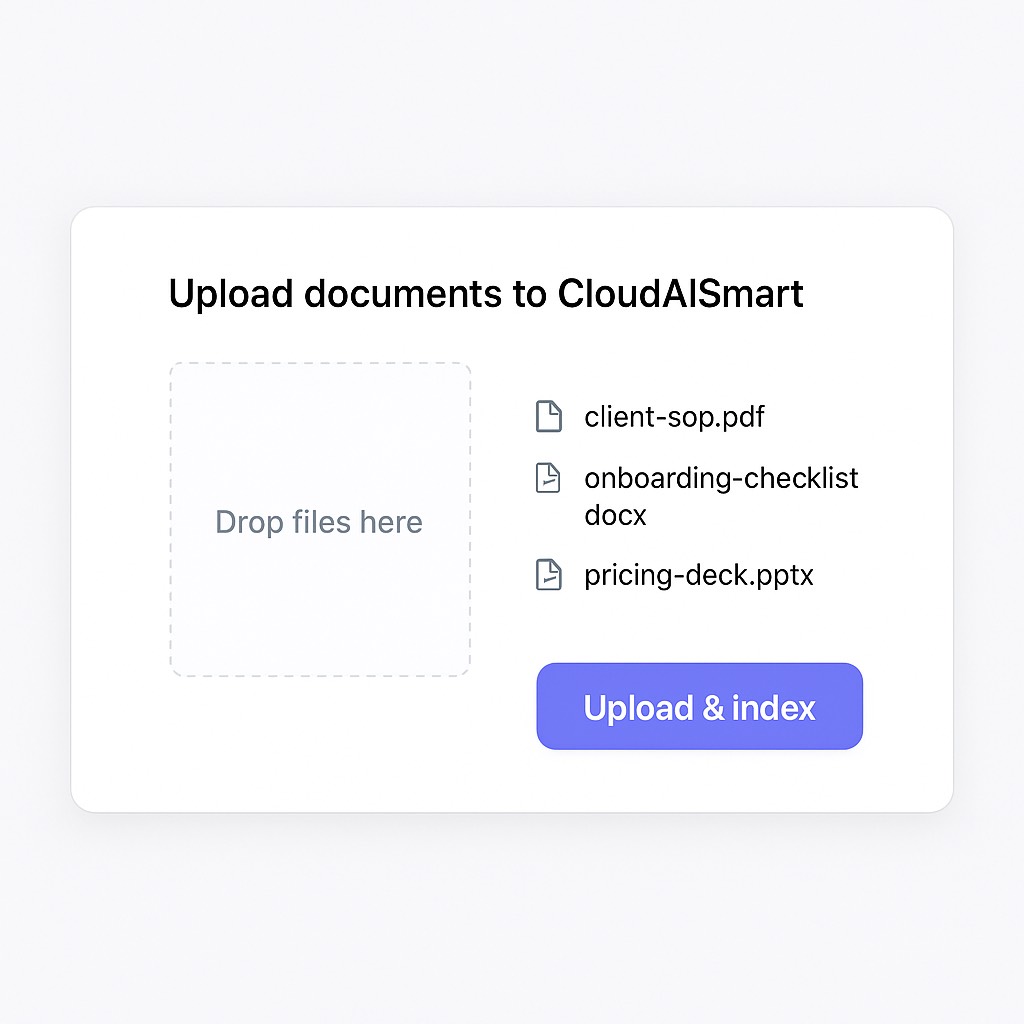 Uses the same clean “chat over docs” workflow as the main site.
The system builds a searchable layer over your documents so answers come back fast and grounded — not generic, not made up, not “best guess.”
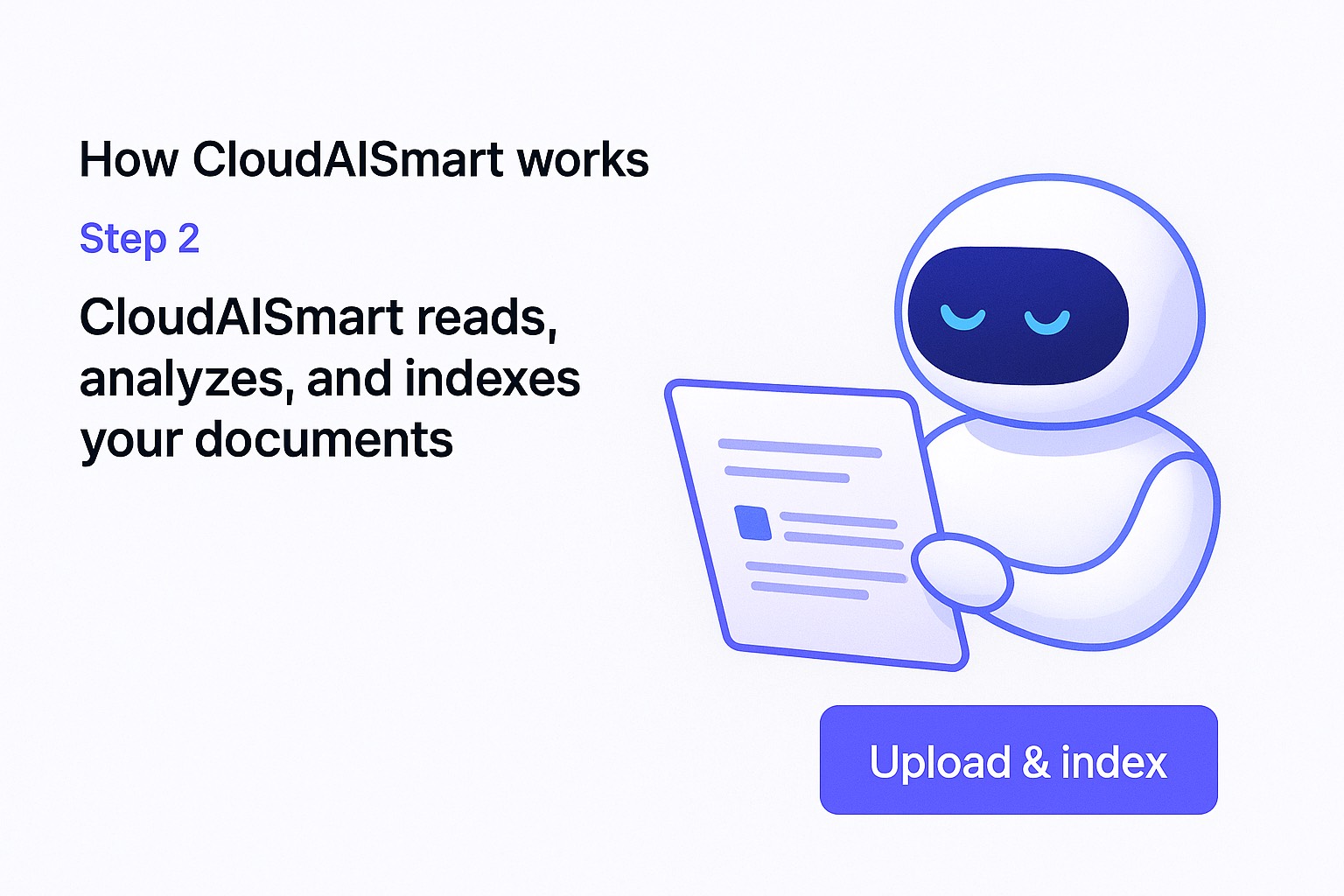 RAG-style retrieval tuned for policy + process docs.
“Where do we store disclosures?” “What’s our split/cap?” “What’s our listing-to-MLS checklist?” Answers come back with citations so it’s easy to trust and easy to enforce.
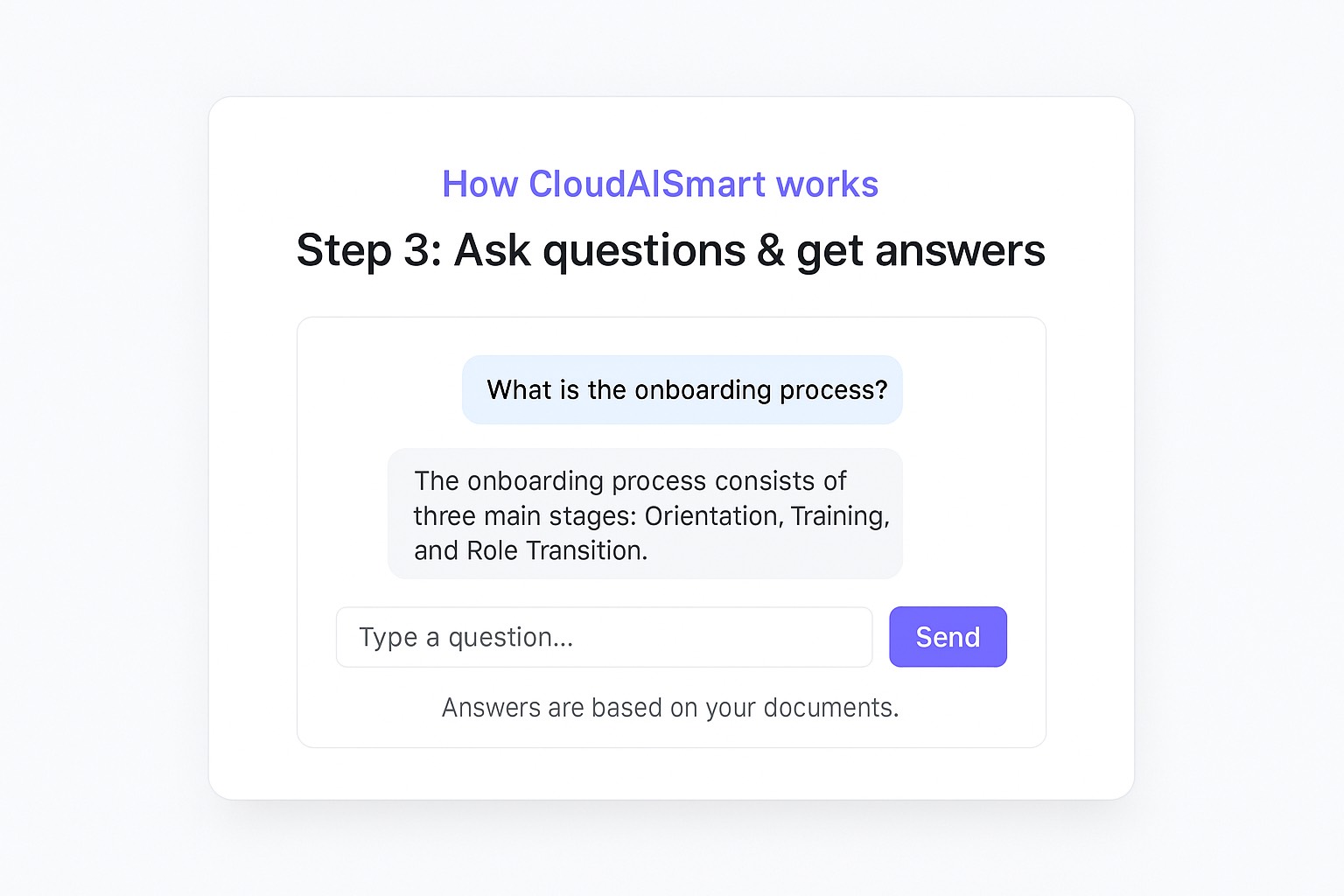 Answers show where they came from — so nobody argues with policy.
Ideal for brokerages who need consistency at scale.
Anywhere your team is repeating the same explanations, digging up the same file, or rewriting the same guidance — CloudAISmart saves hours and reduces mistakes.
Connect the platforms you already live in.
We plug CloudAISmart into the places your content already lives — so you don’t have to change your stack. Think synced folders, exports, and simple ingestion pipelines.
- Cloud storage: Google Drive, Dropbox, OneDrive, Nextcloud — shared folders by office/team.
- Docs & knowledge: Google Docs, PDFs, Word files, scripts, checklists, training materials.
- Communication: Gmail threads, shared inbox exports, support transcripts, Slack/Teams exports.
- Internal systems: SOP folders, compliance policies, onboarding guides and playbooks.
On the demo, we’ll map where your brokerage content lives today and wire it into a private AI workspace.
A private AI layer that belongs to your brokerage.
Public AI tools don’t know your office rules — and they’re not the place for sensitive policies, disclosures, and internal processes. CloudAISmart runs in a dedicated environment with your rules and guardrails.
- Document-aware: answers come from your policy docs, scripts, and checklists — not generic guesses.
- Citations: it shows the source section so agents trust it (and managers can enforce it).
- Controlled access: segment by office, team, or role (agents vs. admins).
On a short call, we’ll upload a few example docs and show live Q&A with citations. You’ll get a clear feel for how CloudAISmart plugs into your daily ops.
- 15–20 minute live walkthrough
- Upload docs + see citations
- Talk access by office/team
Prefer email? sales@cloudaismart.com
Simple, service-based pricing.
CloudAISmart is delivered as a done-for-you deployment plus ongoing support. You keep the environment and the data, we keep the stack healthy and improving.
We stand up your brokerage workspace, configure branding, connect your first knowledge sources, and train your team on getting consistent, cited answers.
- Branding, domains & access configured
- Document ingestion & first knowledge hubs
- Prompt presets for brokerage workflows
One-time project fee. Add ongoing support if you want a managed stack.
As your docs grow, we keep the workspace fast and useful — adding new workspaces, refining prompts, improving retrieval quality, and updating the stack.
- Regular updates & performance checks
- New use cases & workflows as you grow
- Priority tweaks to prompts & UX
Flat monthly retainer or scoped packages — sized to your team and doc volume.
Frequently asked before we go live.
Here are the conversations we usually have in a first call. If you have something more specific, we can dive into it on the demo.
“Once the workspace went live, our internal questions dropped overnight. Instead of asking ‘who knows where that doc is?’ people just ask CloudAISmart and paste the answer into chat. Onboarding new team members is way smoother, too.”
We’ll index a few docs live and show how agents get answers with citations. You’ll see the consistency immediately — and we’ll talk through access by office/team.