Turn your legal docs into a private AI assistant.
Contracts, clause libraries, policy memos, playbooks, templates, and prior work — organized into one private workspace. Ask questions in plain English and get precise answers with citations back to your source docs.
1) Mutual indemnity for third-party claims
2) Carve-out for confidentiality, IP & data security
3) Cap tied to fees paid (12 months) unless higher-risk data involved
4) Cite: Clause Library > Indemnity v3.2 (Section 4.1–4.4)
5) Cite: Vendor MSA Template (Section 9)
What changes for your legal team
This isn’t “chat for lawyers.” It’s a private source-of-truth for your own contracts, templates, and legal playbooks — so teams stop guessing and stop reinventing language every time.
From contracts and playbooks to answers in minutes
Bring what you already have: templates, clause libraries, redlines, policy memos, governance docs, prior work, and internal process guides. CloudAISmart indexes it into a private, searchable AI layer.
Drop in MSAs, DPAs, NDAs, playbooks, policies, and prior work product. Organize by team, client, or matter.
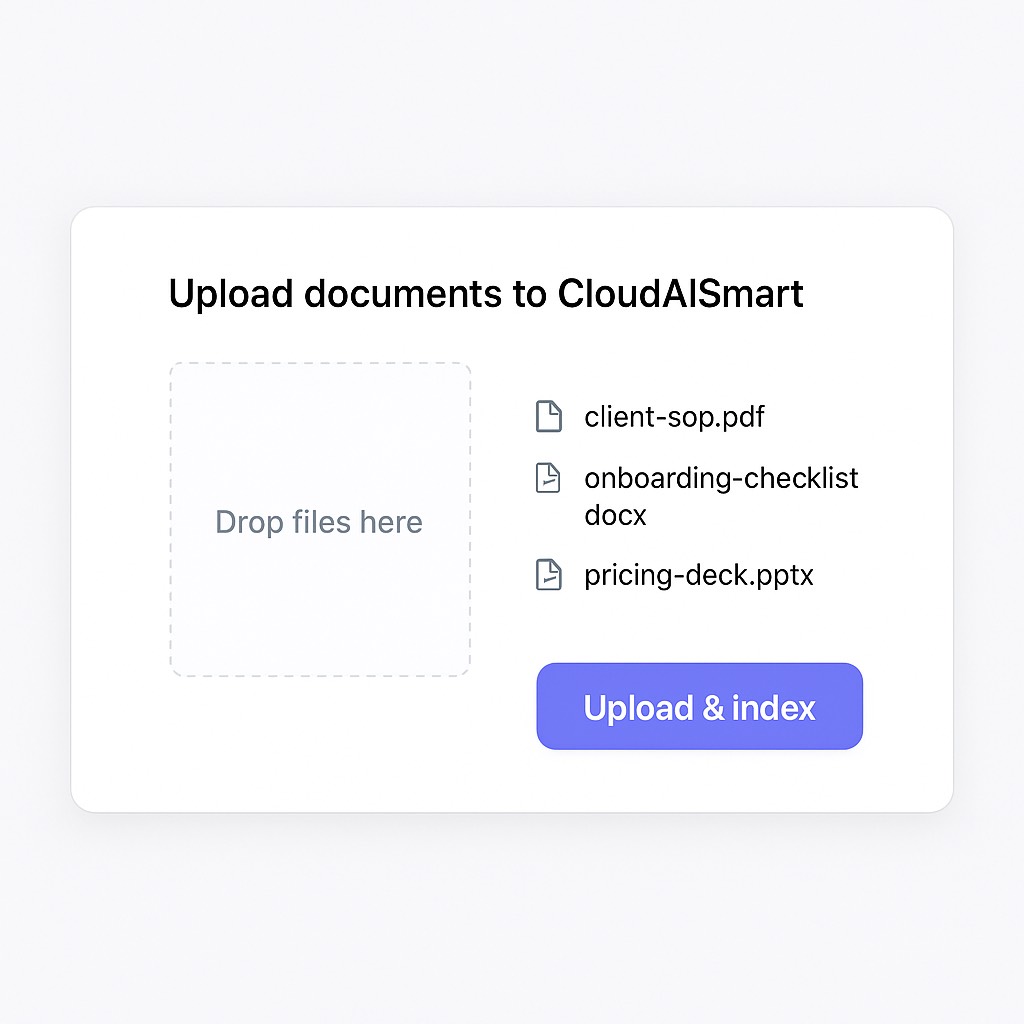 Example UI view. Replace with your own screenshot anytime.
The system builds a citation-first knowledge layer. Answers come back grounded in your docs — not generic, not guessed.
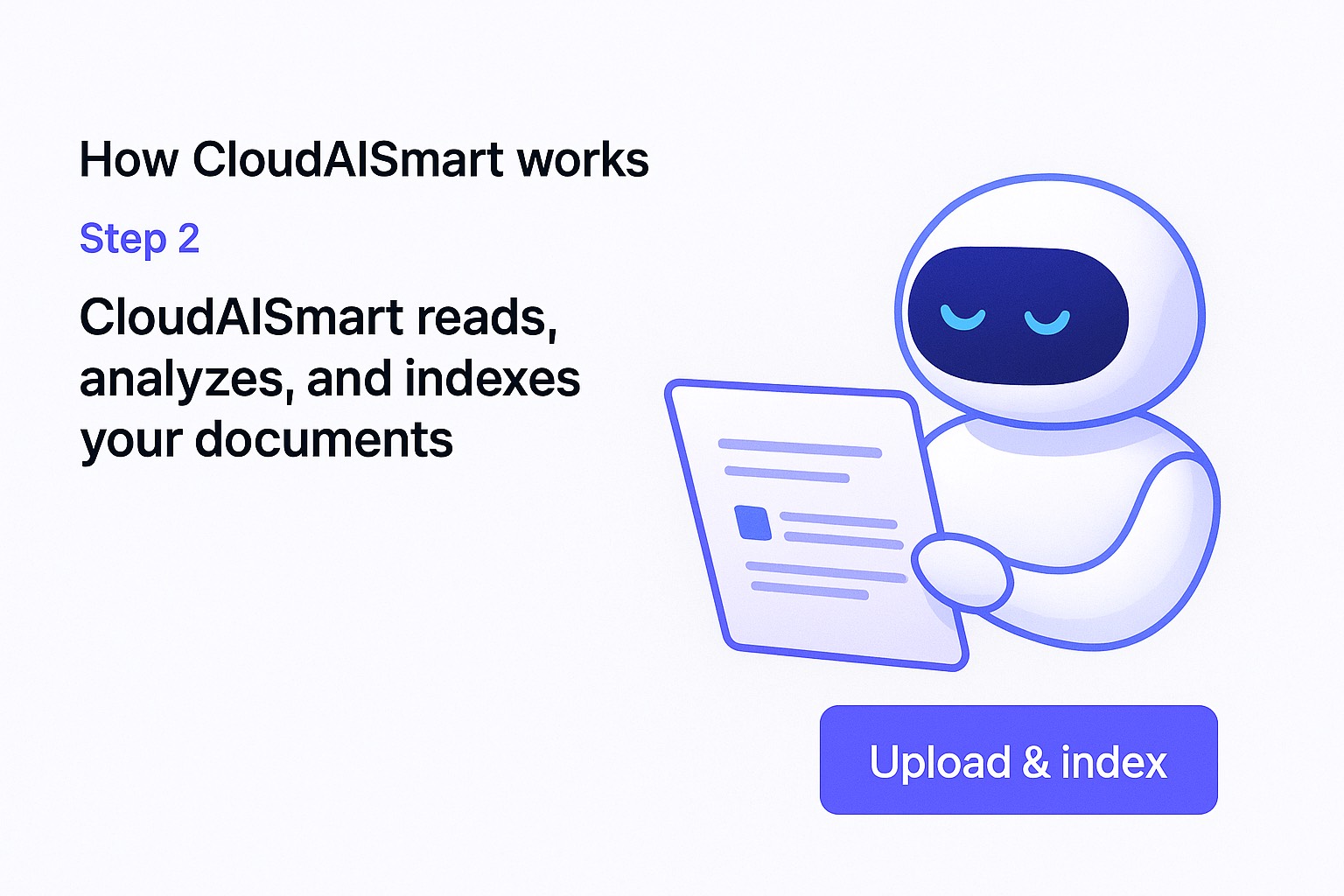 RAG tuned for legal references + citations.
“What’s our fallback limitation of liability?” “Which template do we use for vendors?” “What’s the approval chain for exceptions?” Every answer cites the source.
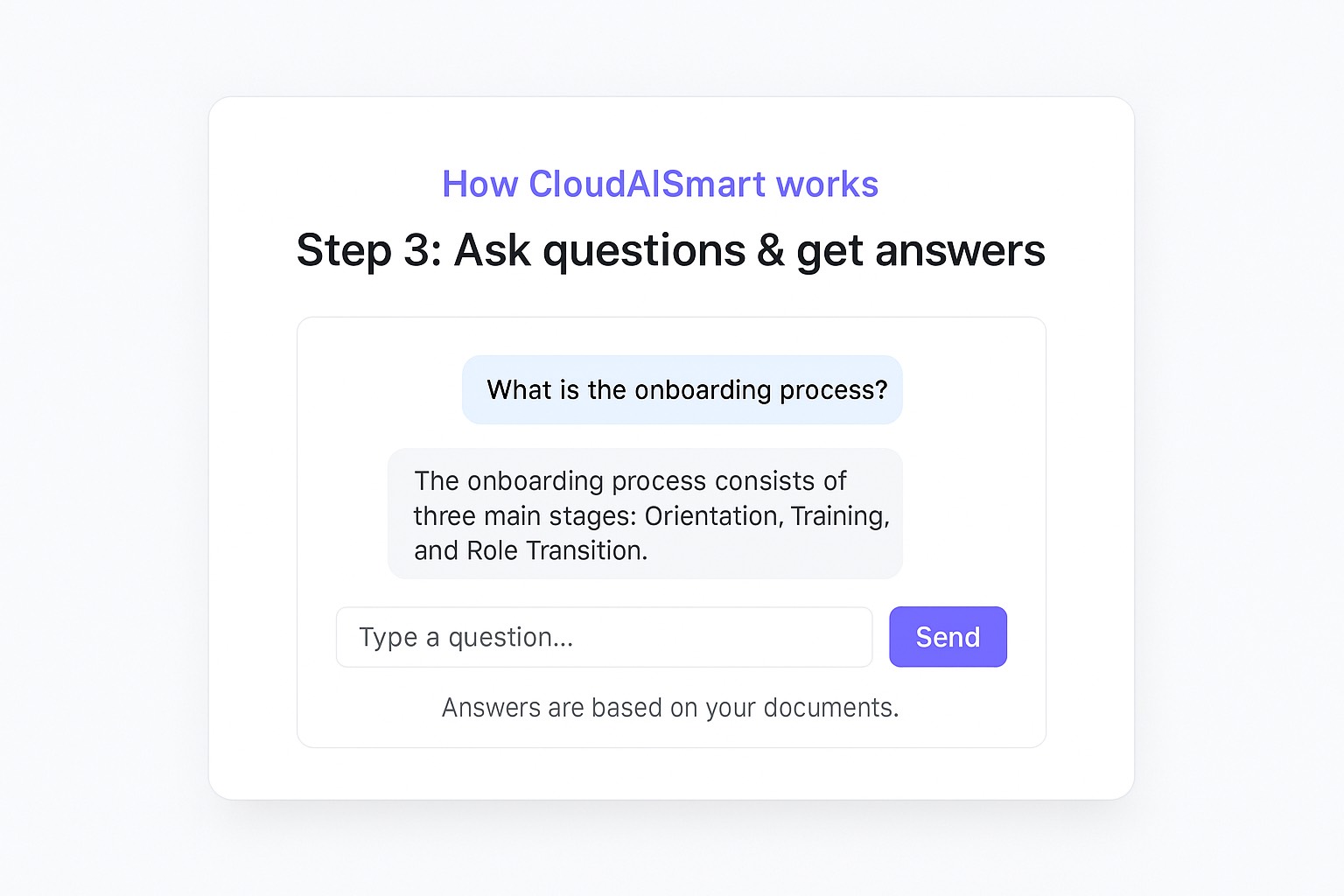 Grounded answers that point back to the doc.
- Clause fallback: “What’s our standard fallback for indemnity / warranty / liability cap?”
- DPA guidance: “When do we require a DPA and which version is current?”
- Approvals: “Who must approve non-standard terms and what’s the threshold?”
- Templates: “Which NDA template do we use for partners vs. vendors?”
- Policy references: “Summarize our data retention policy and cite the exact section.”
- Your docs stay in your cloud environment.
- Access can be segmented by team / matter / client.
- Responses include citations back to source docs.
- Top 3 templates (NDA, MSA, DPA or equivalents)
- Clause library / fallback positions (if you have it)
- Approval policy / legal ops handbook
- A few “real questions” your team asks weekly
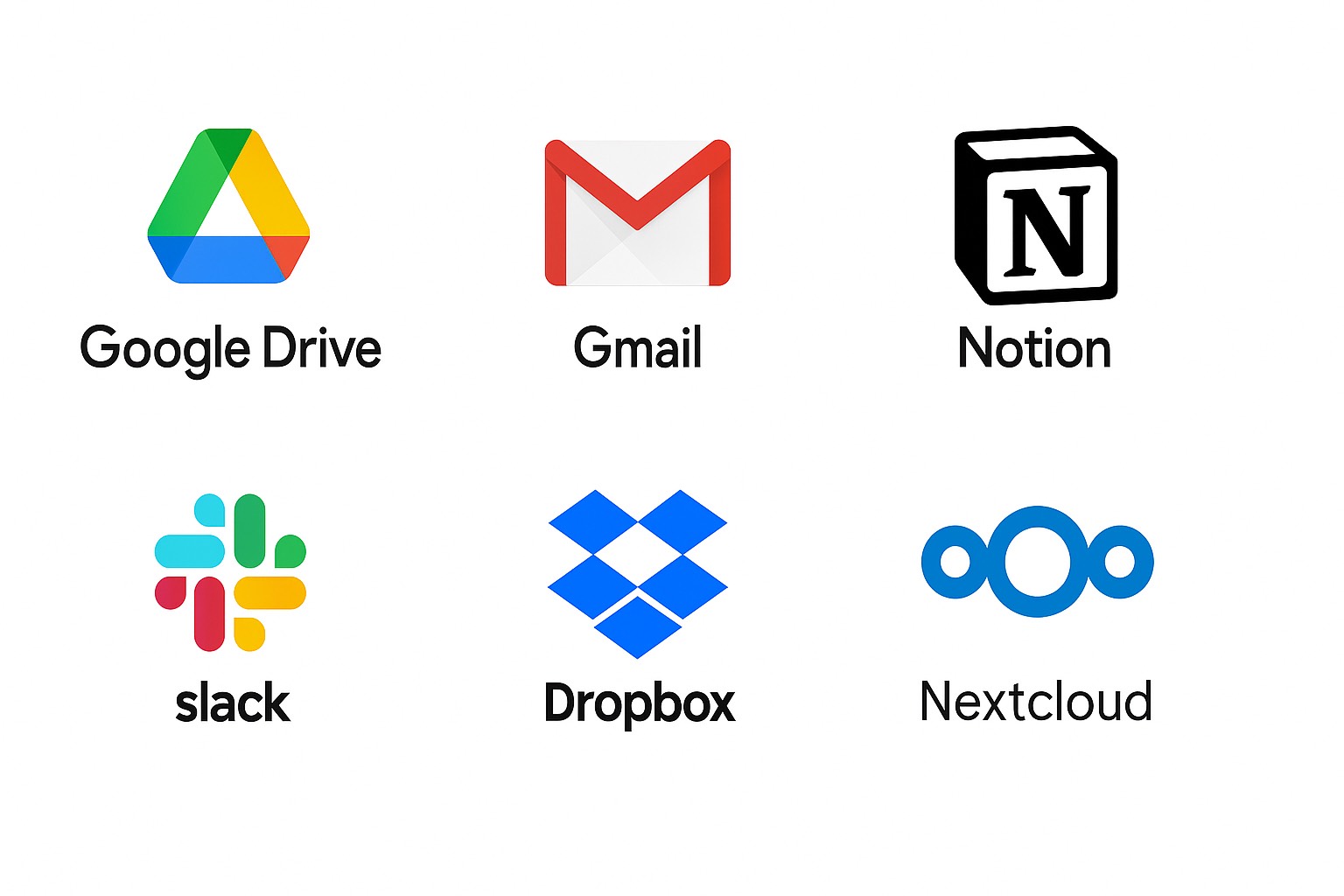
Connect the platforms your documents already live in
CloudAISmart can ingest and sync from common legal team sources — shared drives, inbox exports, knowledge bases, and matter folders — so you don’t have to migrate everything just to get value.
- Cloud storage: Google Drive, Dropbox, OneDrive, Nextcloud — matter folders, client folders, templates.
- Email: Gmail exports / shared inbox threads (for searchable precedent and context).
- Knowledge: Notion / Confluence exports — playbooks, policies, escalation guides.
- Chat: Slack / Teams exports — “tribal knowledge” and historical decisions.
- Docs: PDFs, Word, redlines, clause libraries, briefs, SOPs, internal handbooks.
On the demo, we’ll map your actual document flow (where things live today) and show the cleanest path to a private, citation-first legal assistant.
On a short call, we’ll upload a few sample files and show live Q&A with citations. You’ll see how quickly this turns templates, playbooks, and policies into a working legal assistant — without leaving your own cloud.